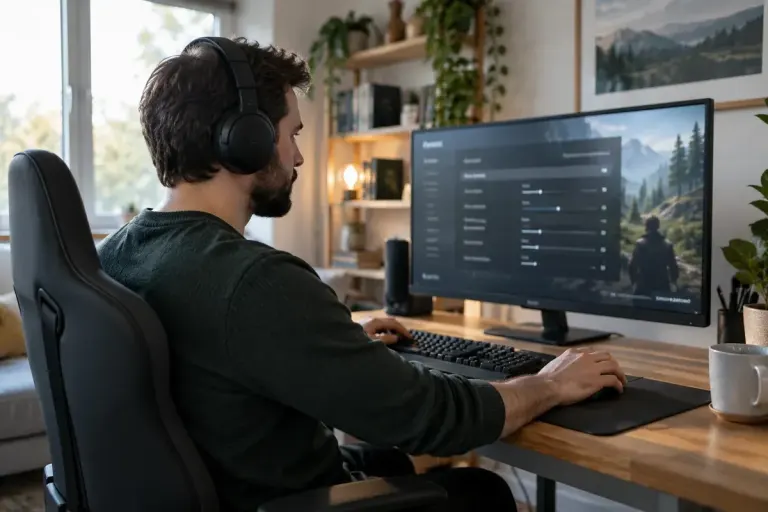
Comfortable play
Motion Sickness in Games: Change the Camera Before Quitting
Review camera movement, blur and visual effects when a game feels uncomfortable, and stop rather than trying to push through symptoms.

Understand the setting. Enjoy the session.
Review camera movement, blur and visual effects when a game feels uncomfortable, and stop rather than trying to push through symptoms.
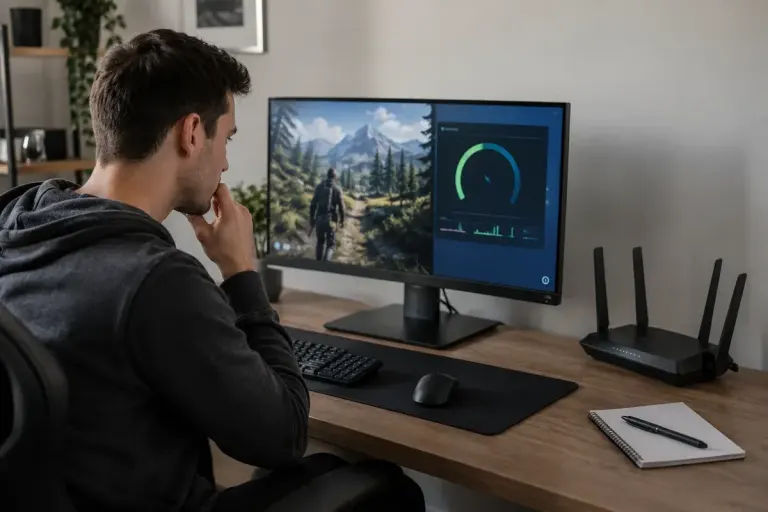
Choppy frames and delayed network updates can feel similar. Use the game’s performance indicators to separate rendering trouble from connection trouble.
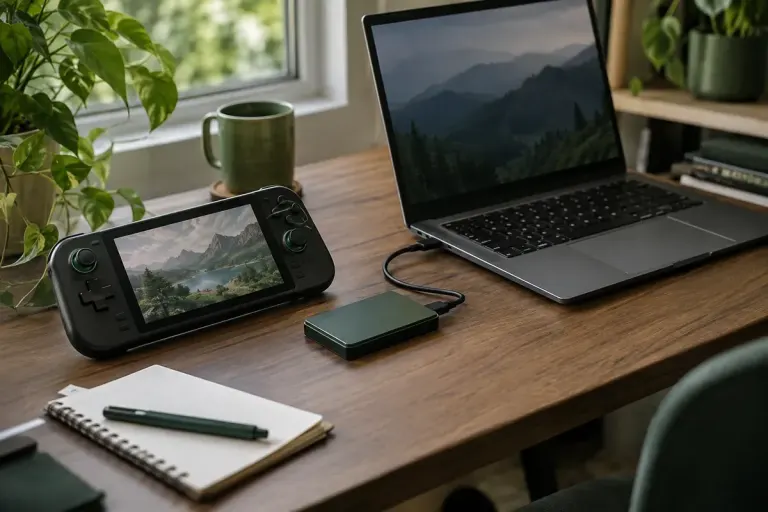
Check cloud support, local saves and sync status before moving a game between devices, with a simple record of your latest progress.
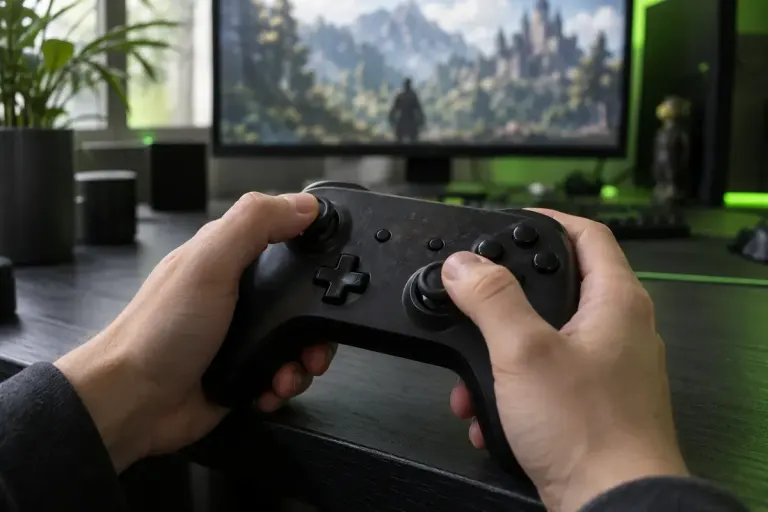
Separate unwanted stick input from sensitivity settings with a repeatable controller check before changing several options at once.