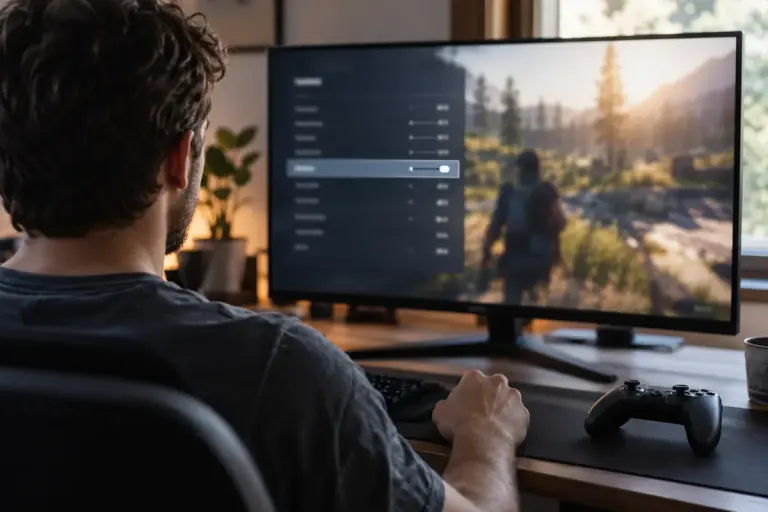
Before You Play
Check the Audio Language Before Downloading a Game
Distinguish interface, subtitle and spoken-language support, then check whether the selected game edition needs an additional language download.

Understand the setting. Enjoy the session.
Distinguish interface, subtitle and spoken-language support, then check whether the selected game edition needs an additional language download.
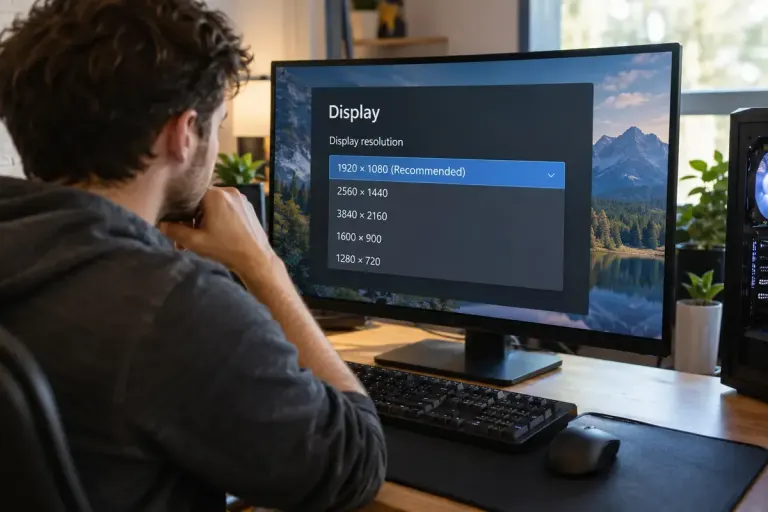
Check display and game resolution before adjusting every graphics option, and distinguish sharpness, interface scaling and rendering workload.
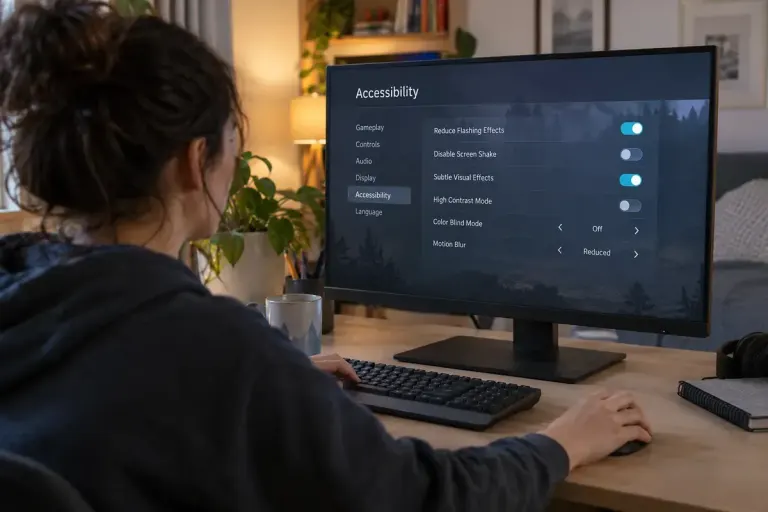
Check flash, strobe and visual-effects settings before a game session, understand their limits and avoid treating an accessibility toggle as a safety guarantee.
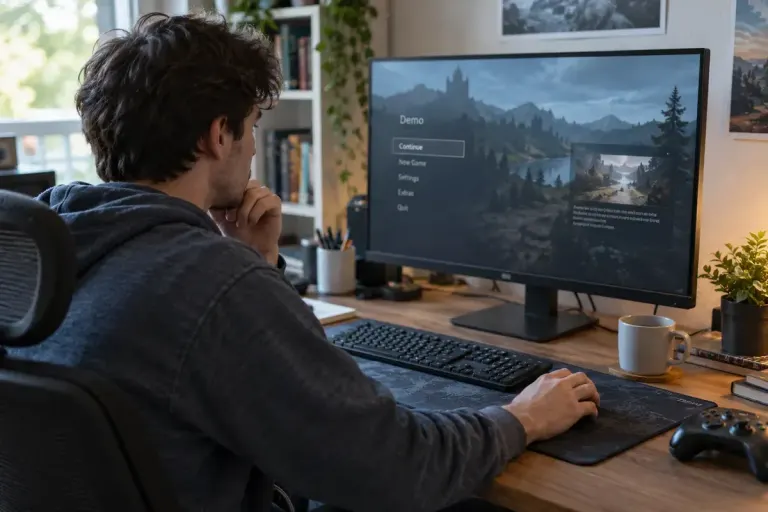
Check a demo’s save-transfer conditions before investing hours in progress that may not continue into the full game.
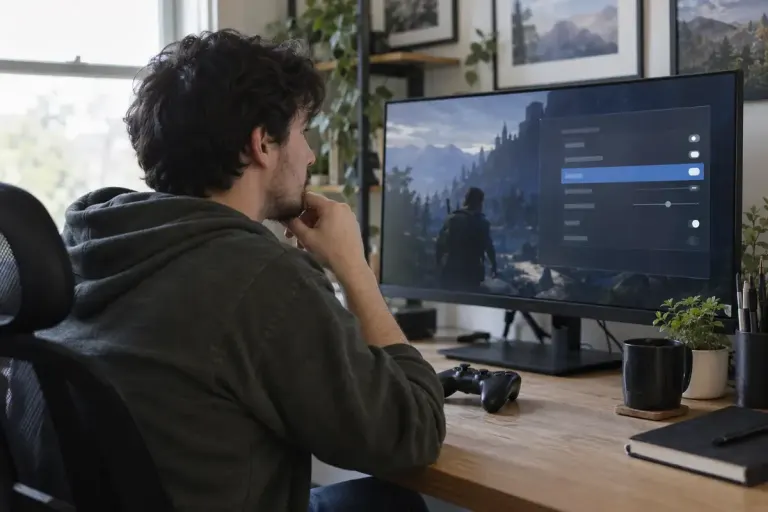
Dialogue subtitles do not always describe important sound effects. Check caption options and readability in actual gameplay before relying on them.
Make game dialogue easier to follow by checking separate audio controls, testing a repeatable scene and matching the output setting to your actual speakers.
Compare download size, installed size and update space before buying a game or clearing storage on your device.
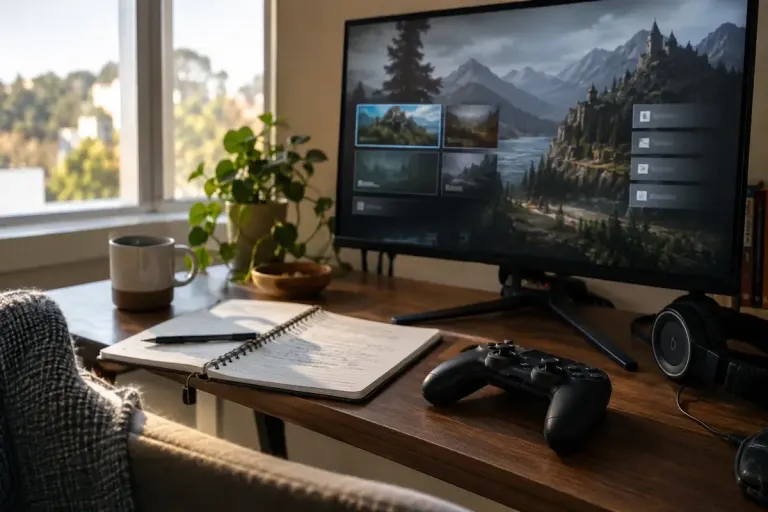
Read a game update by checking version, platform and the specific change that affects your play, then test it without assuming every result came from the patch.
Check screenshots and clips for account details, chats and other people’s information before sharing a gaming moment publicly.