
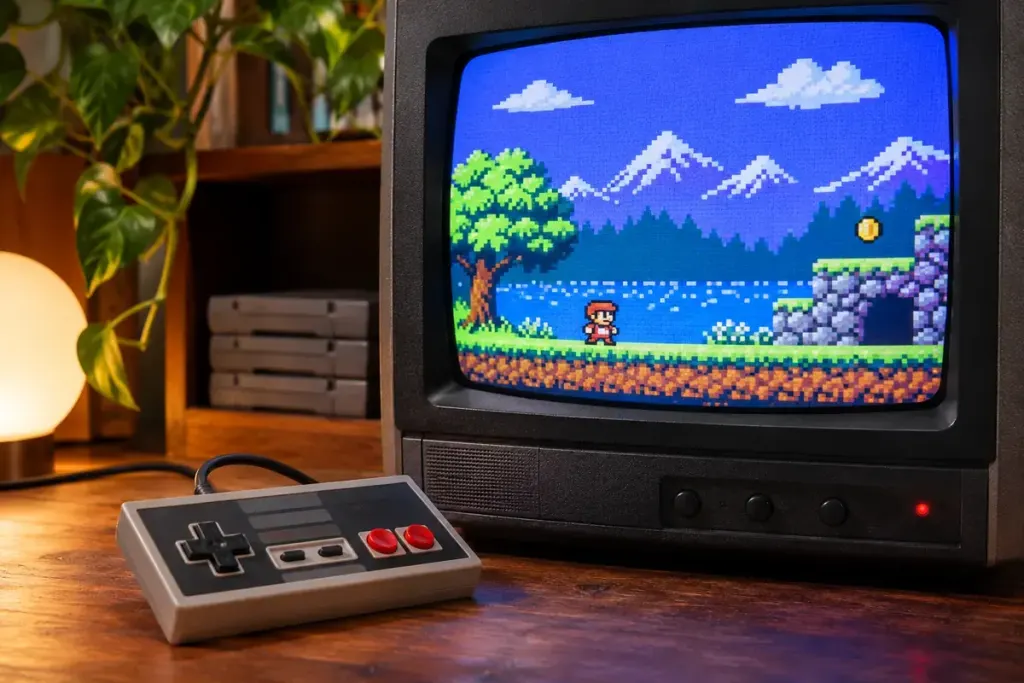
A small pixel-art game can look oddly soft when stretched across a modern monitor. Integer scaling offers one way to preserve the regular blocks: each source pixel becomes a whole-number square of display pixels rather than being stretched by an awkward fraction.
Intel’s Retro Scaling documentation distinguishes true integer scaling from options that use more of the screen through fractional scaling. The first can leave unused space, while the second may fill more area at the cost of uneven pixel shapes or other distortion. Available controls depend on the hardware and software.
A small numerical example
Take an illustrative image that is 320 pixels wide. Scaling it by three produces 960 pixels; scaling it by four produces 1,280. Each original pixel becomes a consistent block. Stretching the same image to an unrelated width requires a different mapping, which can alter how edges and repeating patterns appear.
That does not mean every retro game should be displayed as a grid of perfectly square pixels. Some older systems and games were designed around different display assumptions. The game’s own aspect-ratio options and documentation still matter.
Compare one scene, not several settings at once
Pause at a scene with small text, diagonal edges and a repeating background pattern. Compare the game’s native setting, the proposed integer scale and any aspect-ratio-preserving alternative. Keep sharpening and extra filters unchanged during the comparison so you can identify what the scaling option does.
Look at the border as well as the picture. A black margin may be the expected result of fitting the largest whole-number scale available; it is not necessarily a fault. If the resulting picture feels too small, a different display resolution or the game’s own scaling mode may be a more useful compromise.
Save the original setting before experimenting. A sharper pixel edge is only helpful if the image remains correctly proportioned and the interface stays readable. Choose the result that suits the game rather than treating “fills every pixel” as the only definition of a successful display setup.