Buying Games Thoughtfully
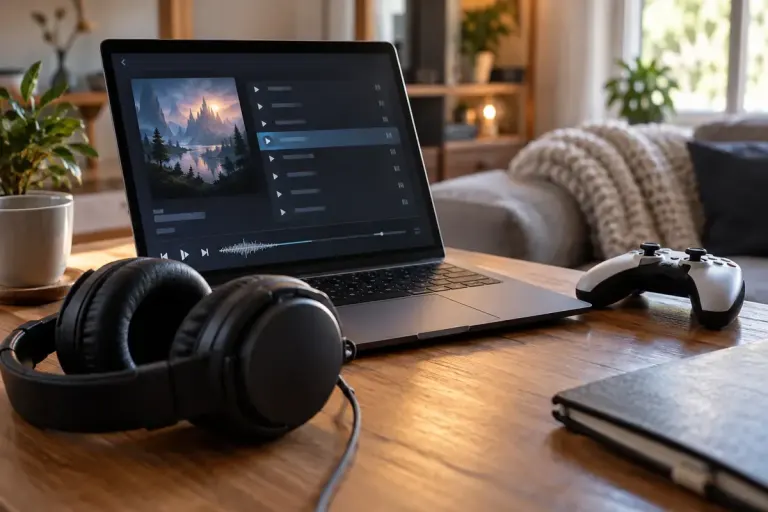
A Game Soundtrack Purchase Does Not Necessarily Include the Game
Check the product type and bundle contents before buying a game soundtrack. Music files, playable games and in-game music packs are different purchases.

Understand the setting. Enjoy the session.
Check the product type and bundle contents before buying a game soundtrack. Music files, playable games and in-game music packs are different purchases.
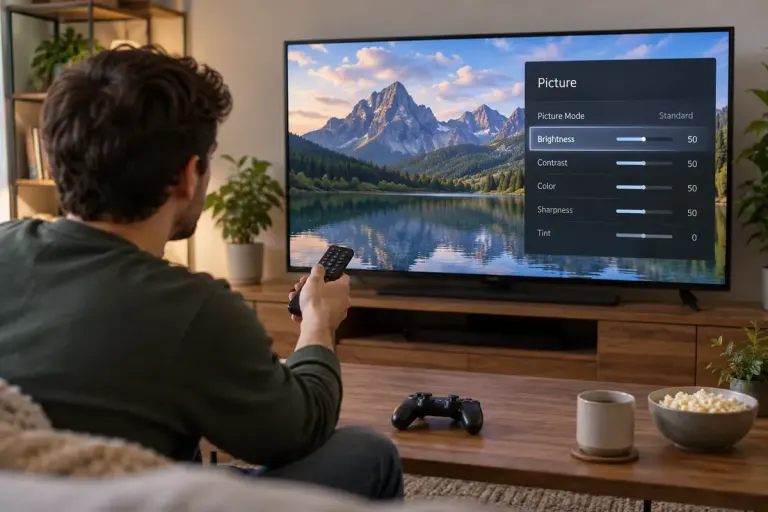
Check the game’s HDR support, platform output and display input together before trying to fix a washed-out or overly bright picture.

Compare cloud-streamed and locally installed games by connection needs, device requirements and what you should test before a session.
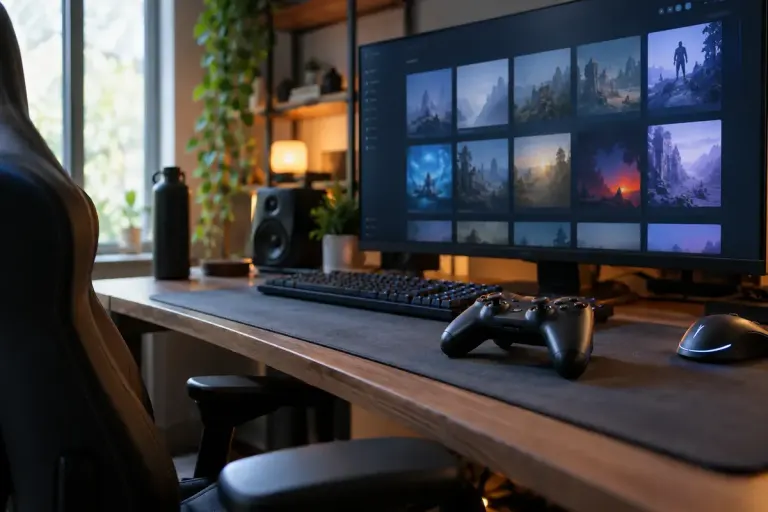
Check the selected family member’s game copy and shareable DLC before expecting an expansion to appear through Steam Families.
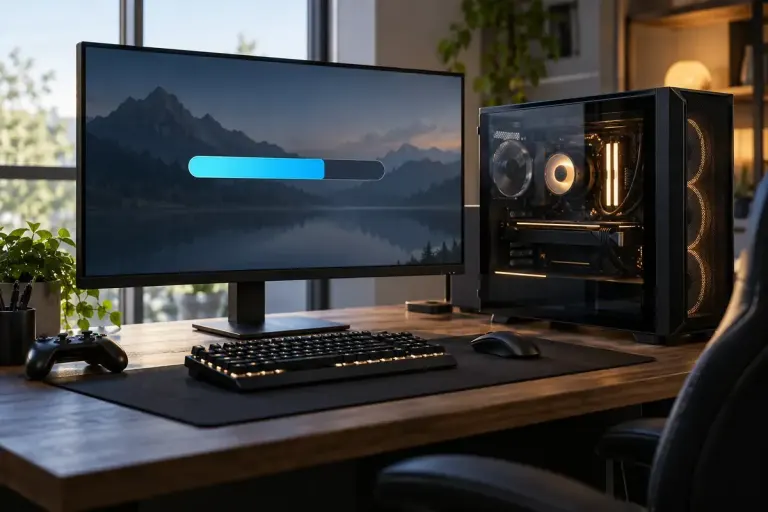
Understand shader preparation as one possible source of game stutter, then record useful symptoms without deleting caches or changing everything at once.
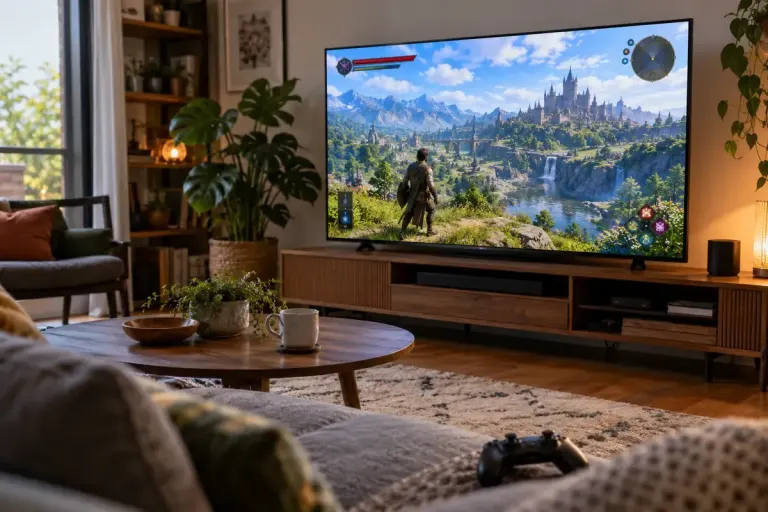
Cropped health bars and missing menu edges may come from display-area settings. Check the screen, console and game before changing every graphics option.
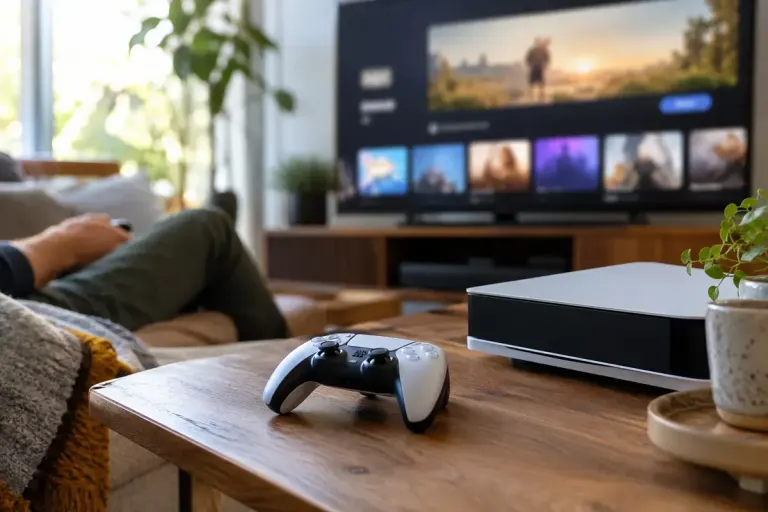
Avoid a co-op night surprise by checking the game’s online requirements, platform subscription, cross-play support and account setup in advance.
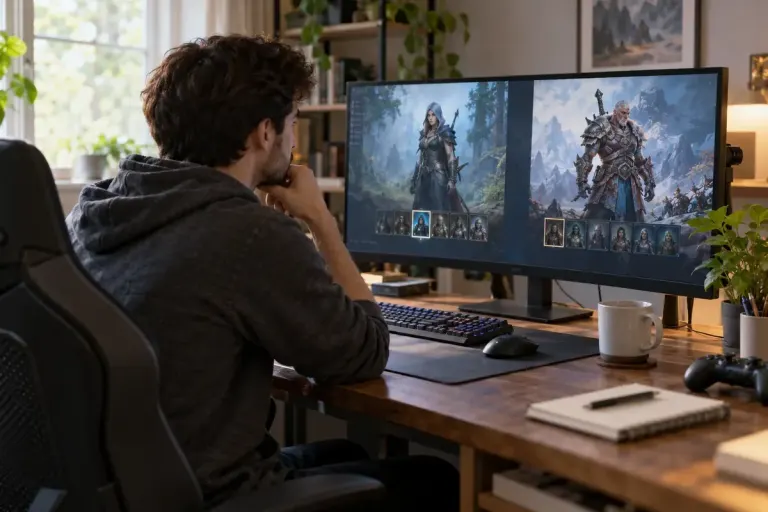
Before investing time in a seasonal game character, check realm transfer rules, temporary mechanics and any end-of-season actions.
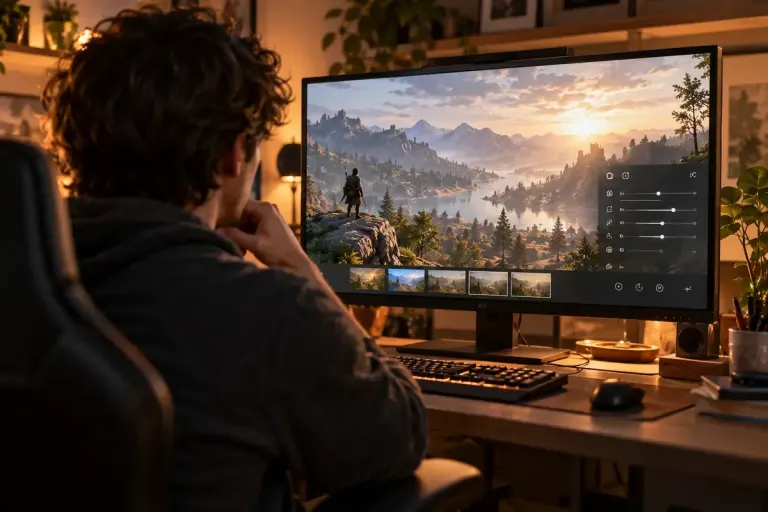
Use an available game photo mode to study light direction, colour and framing without mistaking optional filters for the original scene design.