
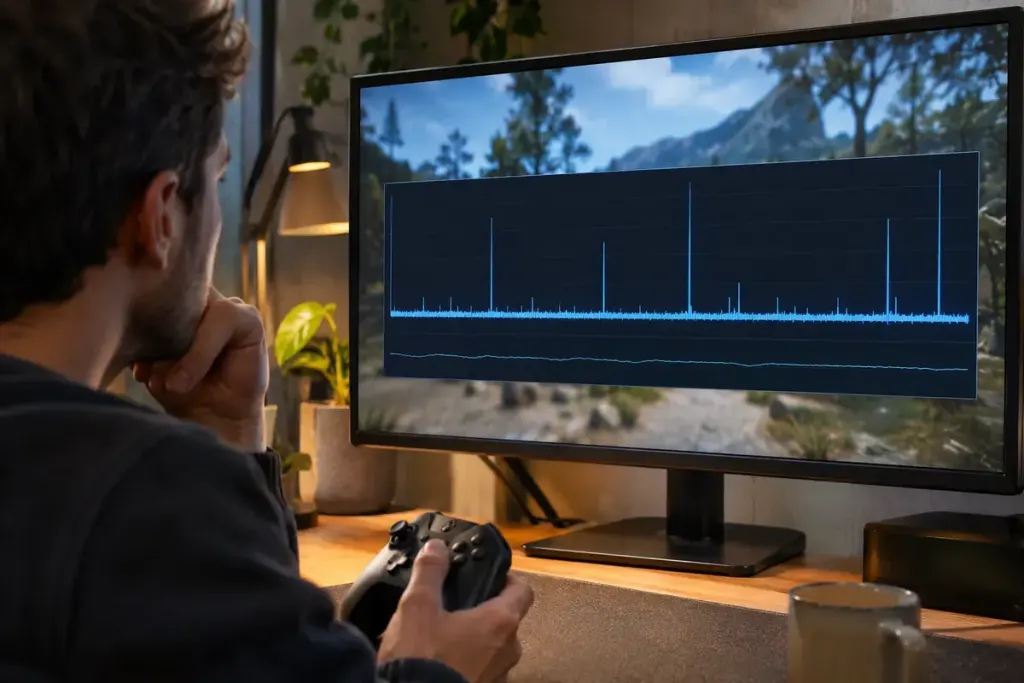
The FPS counter looks healthy, but turning the camera still produces a noticeable hitch. An average can conceal the gap that interrupts motion. Frame pacing concerns the timing of successive frames, not only how many were produced over a longer interval.
Android’s game-performance guidance separates average frame rate from stability measures because a good average can coexist with intermittent stuttering. The principle is useful when reading a benchmark or investigating a game that feels less smooth than its headline number suggests.
Look at time between frames
At a perfectly even 60 frames per second, each frame occupies about 16.7 milliseconds. Real play varies. A brief long frame can interrupt the motion even when many faster frames keep the average high.
Imagine two short runs with the same average FPS. One delivers frames at fairly similar intervals; the other alternates very quick frames with occasional long pauses. The average alone cannot tell you which run has the more even cadence. A frame-time graph exposes information that one number compresses away.
Do not confuse rendered timing with displayed timing. NVIDIA’s FrameView guide distinguishes measurements taken at different points in the graphics pipeline. Keep the tool and metric consistent when comparing results.
Make a small, repeatable test
- Choose the same route or scene and similar in-game conditions.
- Record resolution, display mode and the settings being compared.
- Change one setting at a time.
- Keep gameplay separate from loading screens when your question is about ordinary play.
A frame-rate cap or a different setting may improve consistency in a particular setup, but the graph does not diagnose every cause by itself. Background work, asset loading and CPU or GPU limits can produce different patterns. Save the baseline before experimenting, then compare both the timing record and what you actually feel during the same scene.