
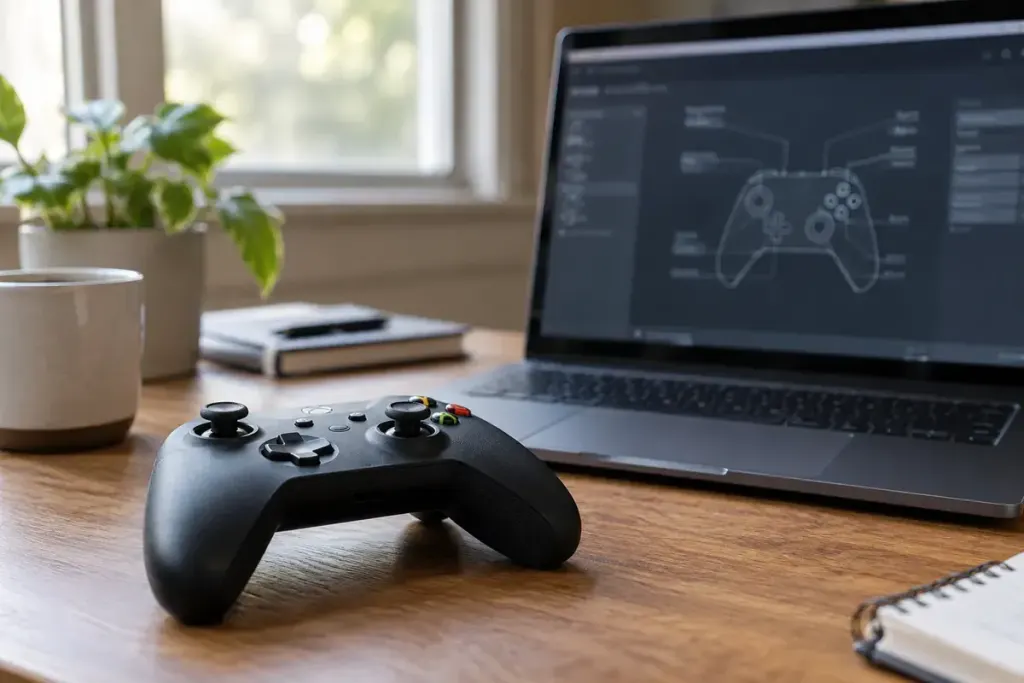
A popular community controller layout can solve an awkward port, but its creator may play with different habits, hardware or accessibility needs. Treat the layout as someone else’s proposed arrangement, then check how it behaves in your game.
Valve’s Steam Input configuration browser documentation distinguishes developer, community and personal configurations and describes previewing bindings. Interface labels can change, so follow the current controls in your Steam client rather than memorising an old screenshot.
Before applying the layout
Save or export your working configuration if the client offers that option. Note the layout’s intended controller and read its description. A binding built around extra rear buttons, a trackpad or a particular gyro setup may not translate neatly to another device.
Look for the actions you cannot afford to lose: pause, confirm, cancel, inventory, map and any accessibility shortcut you use. Also inspect long presses, double presses and mode shifts. One physical button may do different things depending on another held button or the active action set.
After applying, open a tutorial, practice area or low-stakes session. Try these tasks in order:
- Navigate into and back out of a menu.
- Move the character or camera without triggering an unwanted action.
- Use the main interaction and cancel it where possible.
- Check any held-button layer and return to the normal controls.
- Pause and restore your previous layout if something is confusing.
Watch the on-screen prompts. A game receiving keyboard inputs from a controller layout may display keyboard labels, while another arrangement may retain gamepad prompts. A mismatch is not automatically a broken binding, but it can make learning harder.
Change one troublesome binding at a time and save your version with a useful name. If you share feedback, identify the game version, controller and action that failed rather than saying only that the layout is bad. A community recommendation becomes valuable when you can explain why it suits your own play.