
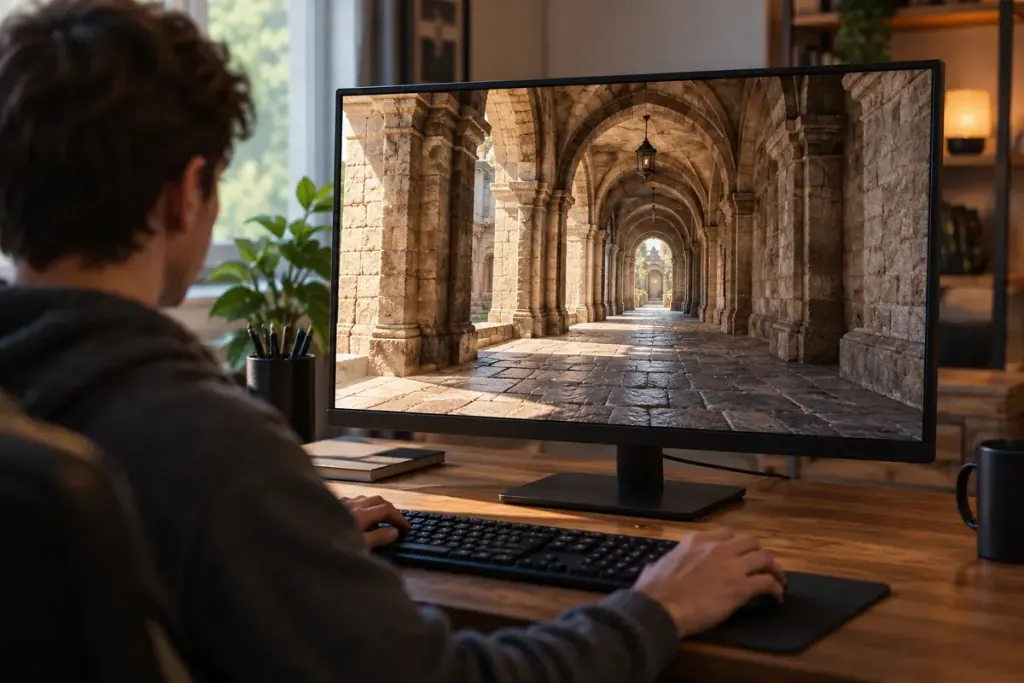
Stand still in a game and look down a tiled corridor. The floor near your feet may look sharp while the same pattern becomes muddy as it recedes into the distance. Anisotropic filtering is a graphics setting worth testing in precisely that kind of view.
NVIDIA’s control-panel reference describes anisotropic filtering as improving texture quality on surfaces viewed at an angle. It can help details remain clearer when the textured surface stretches away from the camera. Its cost depends on the game and hardware, so a useful setting should be checked on your own system rather than chosen from a universal performance claim.
Use a repeatable view
Find a quiet location with a road, tiled floor or patterned wall running obliquely into the distance. Save the camera position if the game allows it. Change only anisotropic filtering, return to the same view and compare the middle distance as well as the foreground.
A sequence such as low, medium and high makes the difference easier to see than changing several graphics options together. Use the actual choices offered by the game. Watch frame delivery during normal play too; a still screenshot cannot show whether movement remains comfortable.
If the difference is difficult to spot, avoid forcing a conclusion. The scene may not expose the effect, the game may already manage filtering well, or another setting may dominate the appearance.
Keep neighbouring settings separate
Render resolution affects the image being drawn. Antialiasing addresses forms of jaggedness and related sampling artifacts. Texture resolution concerns the detail available in the source texture. Anisotropic filtering helps sample that texture when its surface is seen at an angle; it cannot invent a detailed texture that the game never supplied.
Start with the in-game control where available and note any driver override you already use. Otherwise, it is easy to test a menu setting while another layer determines the result. Keep one short record of the scene, setting and observed effect. The goal is a clearer picture during play, not winning a contest for the largest number in every graphics menu.