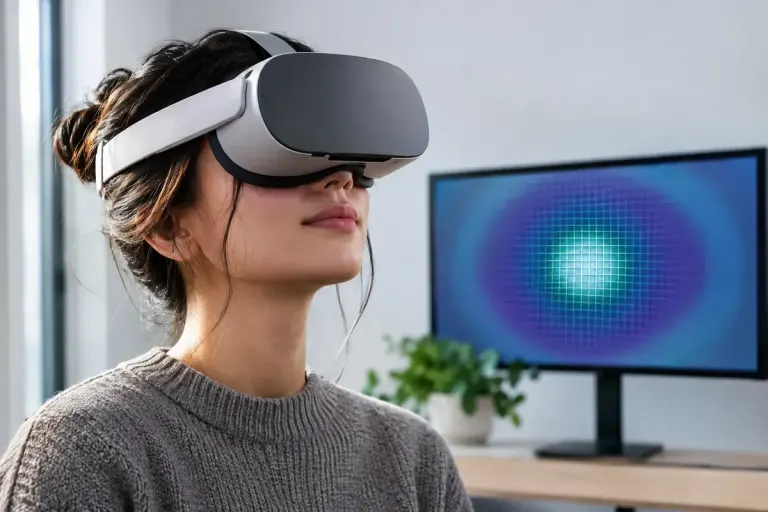
Display and Performance
Foveated rendering spends detail where the headset expects you to look
Fixed and eye-tracked foveated rendering distribute detail differently in VR. Learn what the setting changes and how to judge it in an actual game.

Understand the setting. Enjoy the session.
Fixed and eye-tracked foveated rendering distribute detail differently in VR. Learn what the setting changes and how to judge it in an actual game.
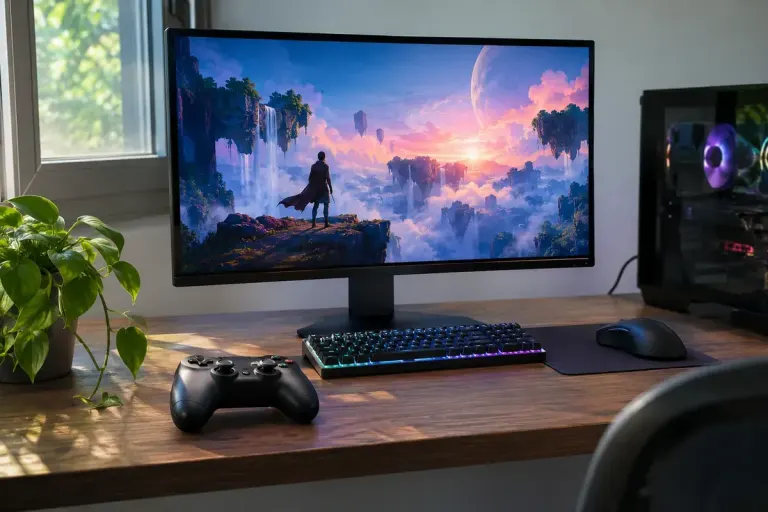
Real-time ray tracing uses limited samples, so denoising helps build the final image. Look for motion and fine detail when comparing graphics settings.
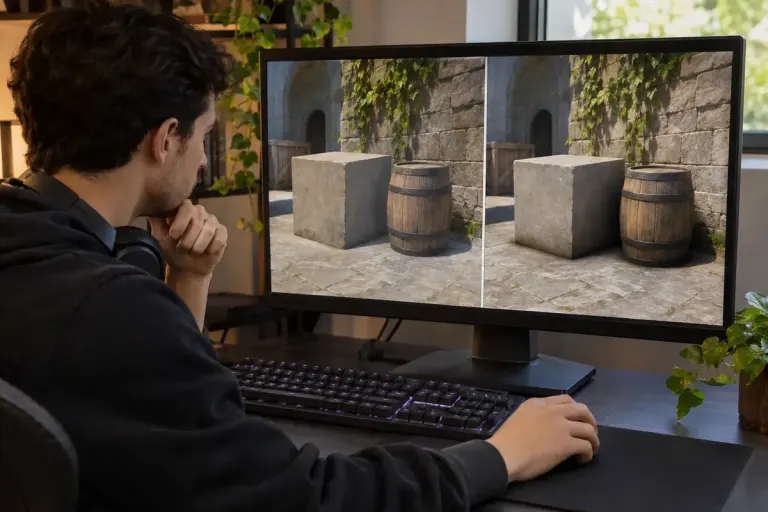
Ambient occlusion adds shading around creases and nearby objects. Compare it in a stable scene without confusing it with every shadow or lighting effect.
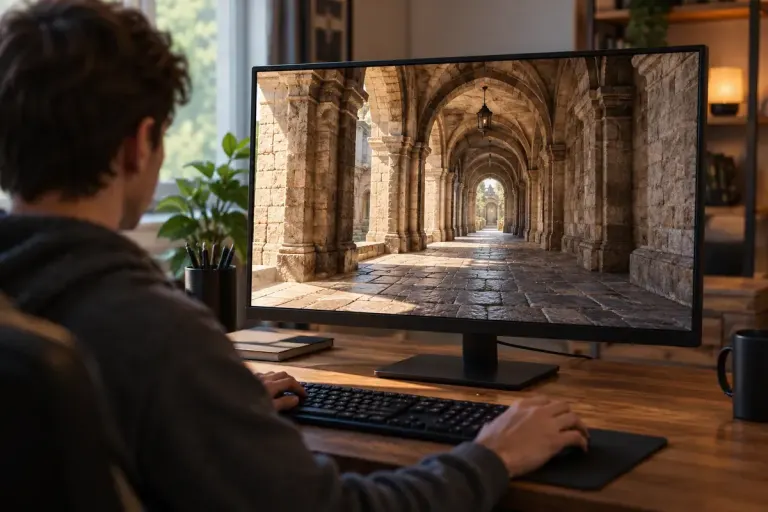
See what anisotropic filtering changes on angled surfaces and test its visual benefit without confusing it with resolution or antialiasing.
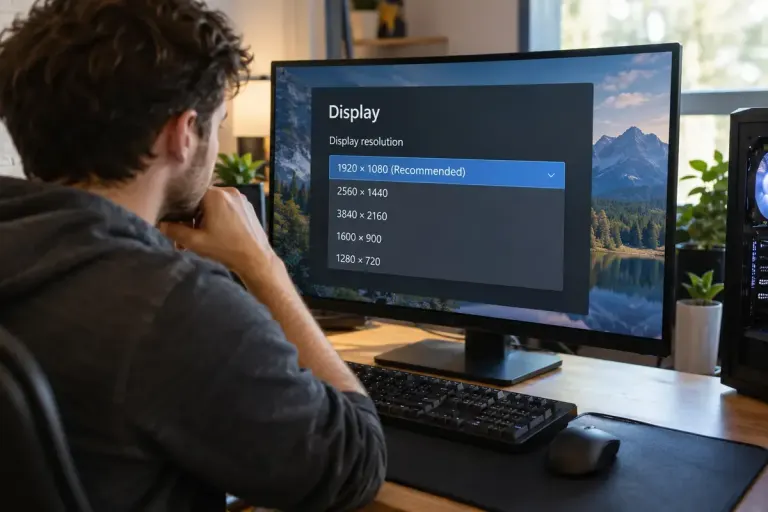
Check display and game resolution before adjusting every graphics option, and distinguish sharpness, interface scaling and rendering workload.