Gaming Setup
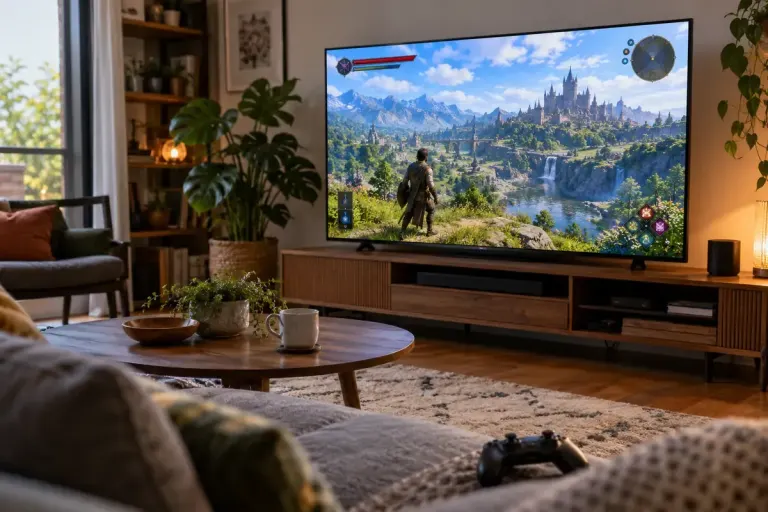
If the HUD Is Cut Off, Check the Display’s Safe Area
Cropped health bars and missing menu edges may come from display-area settings. Check the screen, console and game before changing every graphics option.

Understand the setting. Enjoy the session.
Cropped health bars and missing menu edges may come from display-area settings. Check the screen, console and game before changing every graphics option.

Avoid a co-op night surprise by checking the game’s online requirements, platform subscription, cross-play support and account setup in advance.
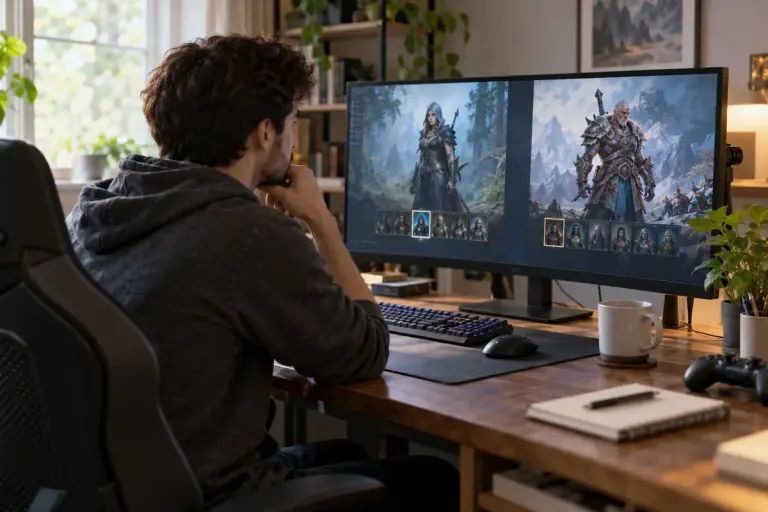
Before investing time in a seasonal game character, check realm transfer rules, temporary mechanics and any end-of-season actions.
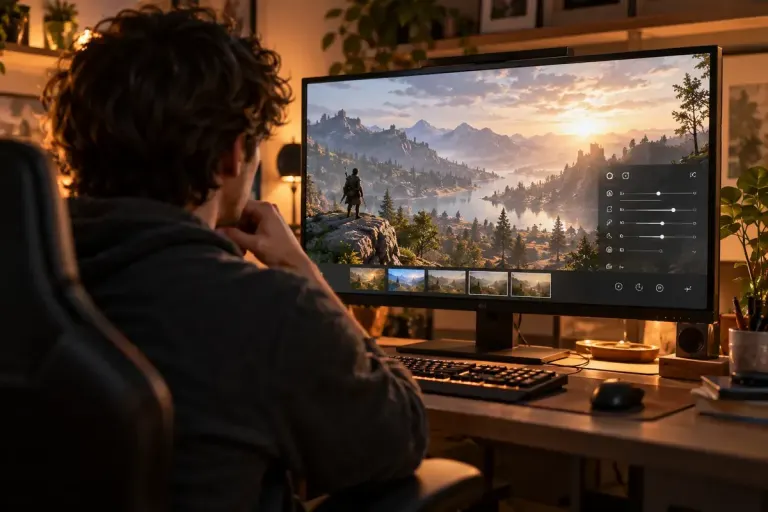
Use an available game photo mode to study light direction, colour and framing without mistaking optional filters for the original scene design.
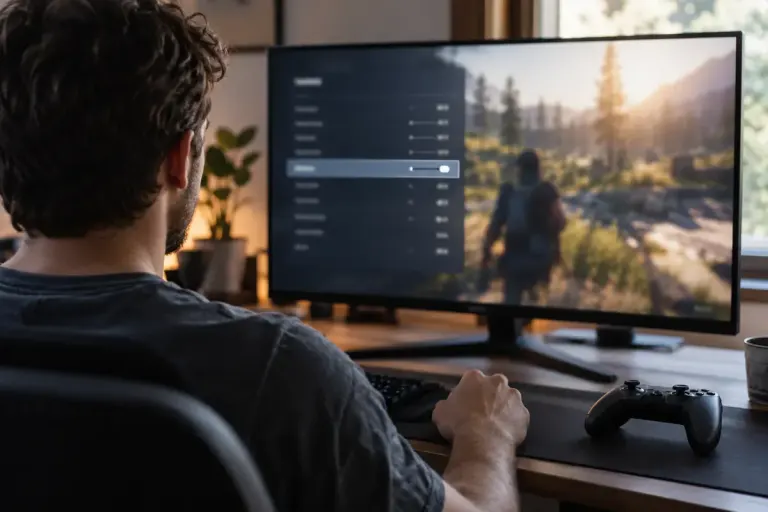
Distinguish interface, subtitle and spoken-language support, then check whether the selected game edition needs an additional language download.
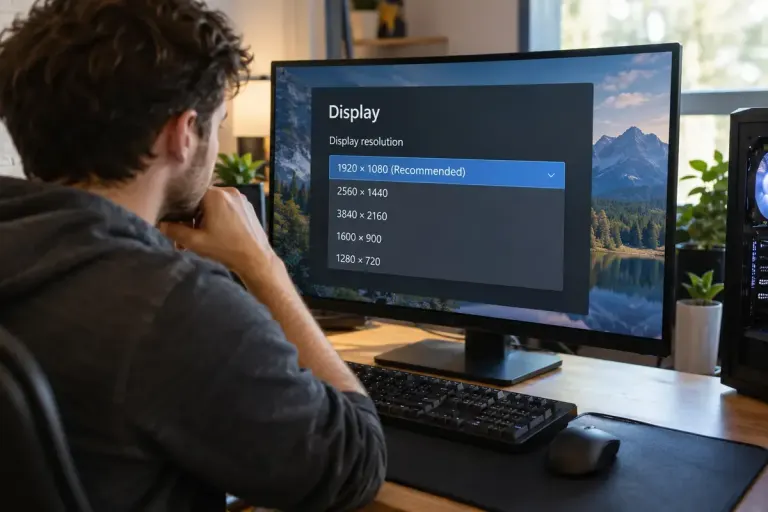
Check display and game resolution before adjusting every graphics option, and distinguish sharpness, interface scaling and rendering workload.
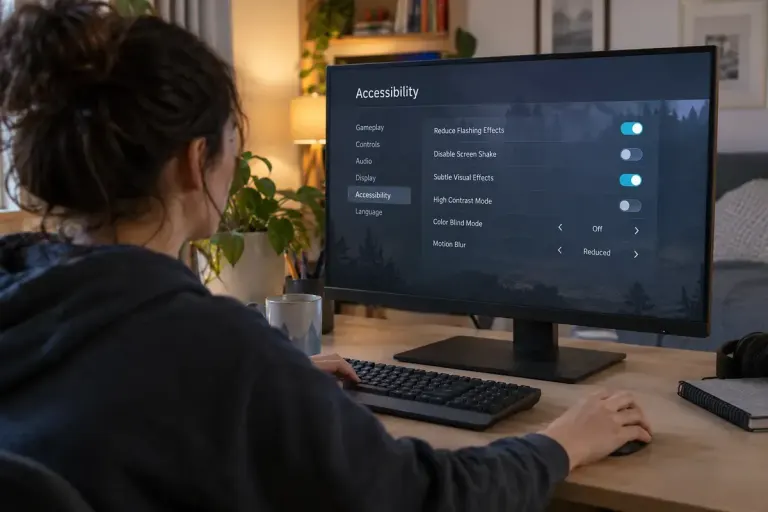
Check flash, strobe and visual-effects settings before a game session, understand their limits and avoid treating an accessibility toggle as a safety guarantee.
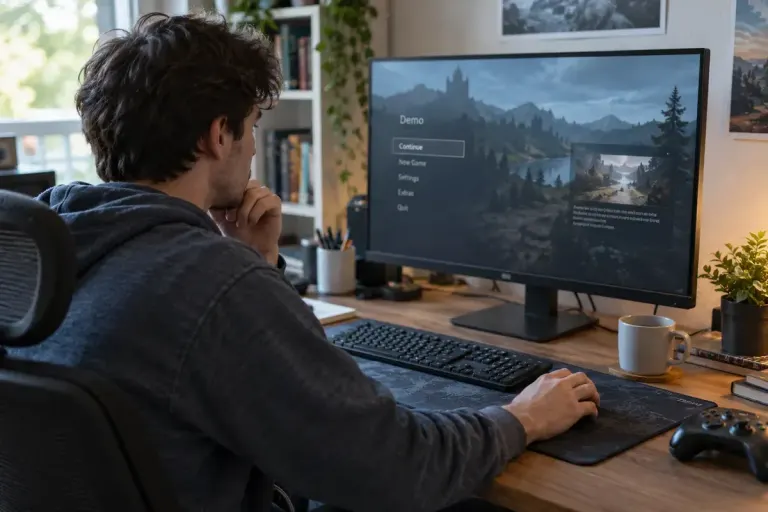
Check a demo’s save-transfer conditions before investing hours in progress that may not continue into the full game.
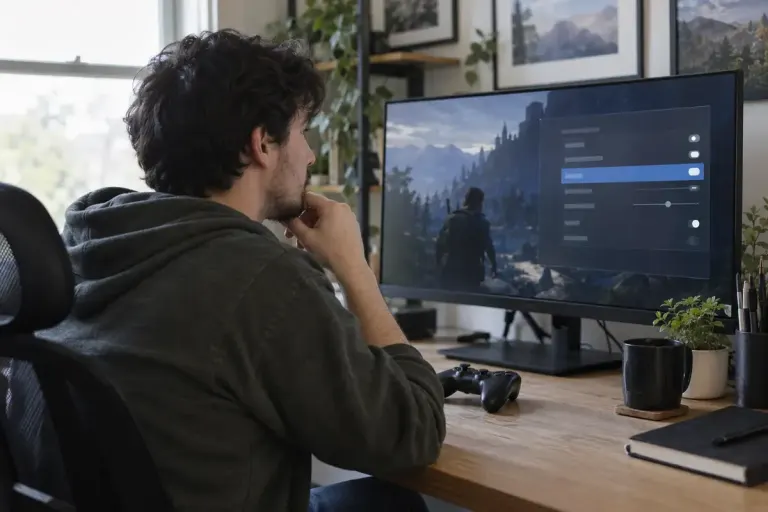
Dialogue subtitles do not always describe important sound effects. Check caption options and readability in actual gameplay before relying on them.