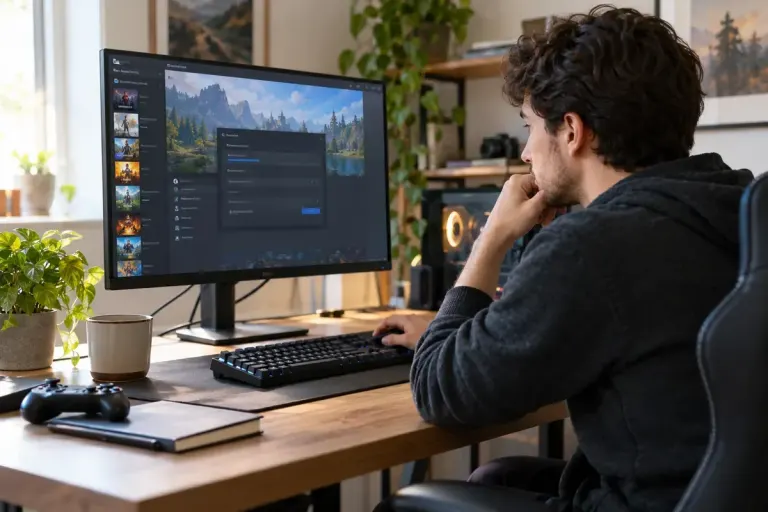
Performance troubleshooting
Verify Game Files Before Reinstalling the Whole Game
Use Steam’s file verification to check an installed game’s files, then decide whether a reinstall is actually the next useful step.

Understand the setting. Enjoy the session.
Use Steam’s file verification to check an installed game’s files, then decide whether a reinstall is actually the next useful step.

A VR boundary is a warning system, not a physical barrier. Prepare the room and confirm the play area before starting a game.
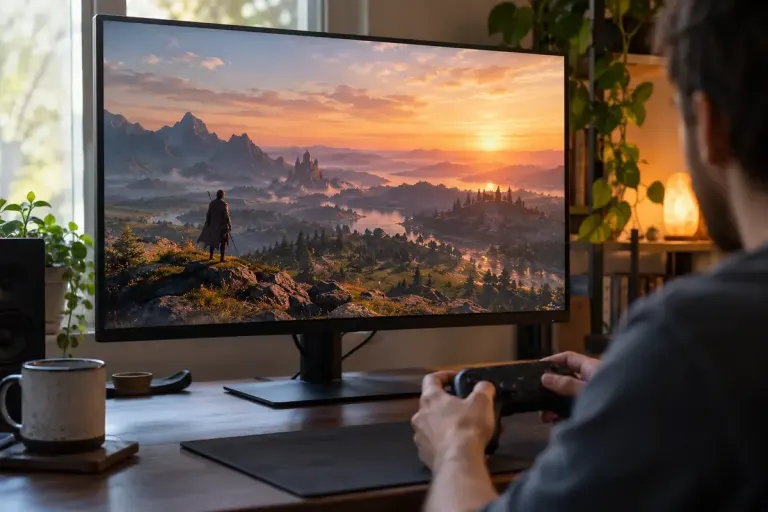
Compare frame generation with the game’s underlying rendered performance, using a repeatable scene and separate checks for motion clarity and response.
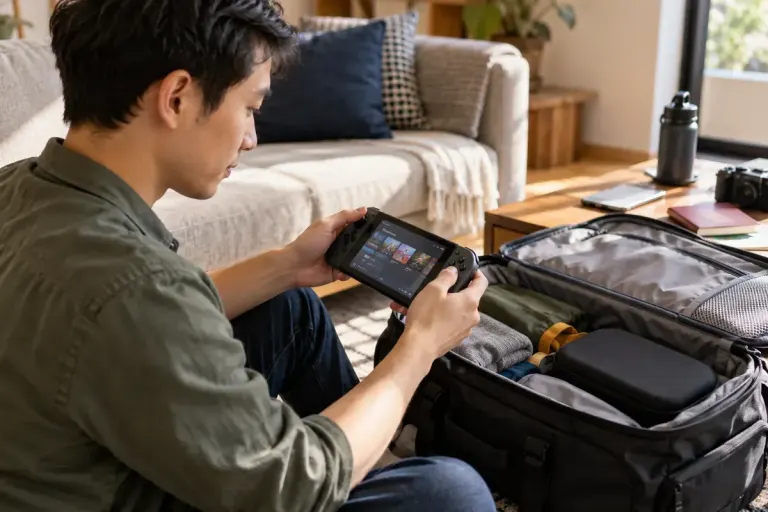
Prepare and test the exact games you want to play offline, including installation, launch and local saves, before depending on them during a connection-free trip.
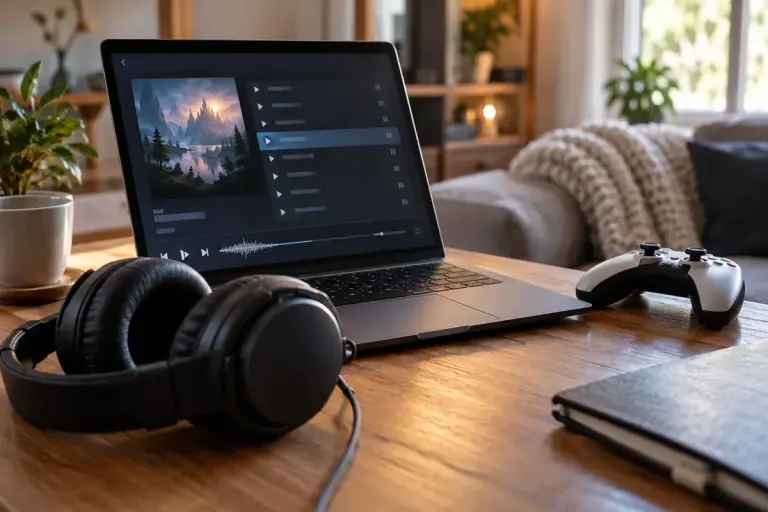
Check the product type and bundle contents before buying a game soundtrack. Music files, playable games and in-game music packs are different purchases.

Check the game’s HDR support, platform output and display input together before trying to fix a washed-out or overly bright picture.

Compare cloud-streamed and locally installed games by connection needs, device requirements and what you should test before a session.
Check the selected family member’s game copy and shareable DLC before expecting an expansion to appear through Steam Families.
Understand shader preparation as one possible source of game stutter, then record useful symptoms without deleting caches or changing everything at once.