
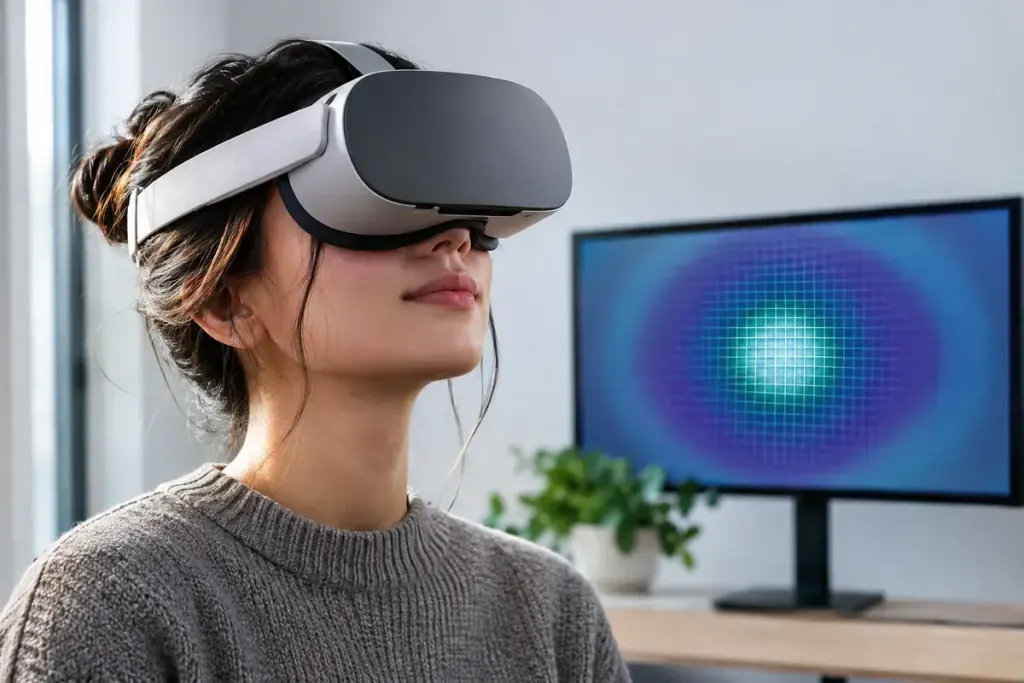
A VR headset has limited time to draw each frame. Foveated rendering spends more detail in one region and less elsewhere, aiming to reduce work without making the loss of detail distracting. The important question is how that detailed region is positioned.
Fixed is not eye-tracked
In fixed foveated rendering, the higher-resolution area remains near the centre of the rendered view. It does not follow your pupils. Meta’s fixed-foveation documentation makes that distinction explicit and notes that the performance benefit depends on the rendering workload.
Eye-tracked foveated rendering uses gaze information to move the detailed region. It requires suitable hardware and software support. A headset being capable of eye tracking does not mean every installed game automatically uses it.
Why a setting can look good in one scene and poor in another
Large scenery near the edge of the view may conceal a reduction that becomes obvious on small text or a high-contrast interface. Moving your eyes towards an edge without turning your head can expose the compromise in a fixed setup.
Meta’s overview of foveated rendering also separates dynamic adjustment of the foveation level from eye tracking. A system can change how aggressively it reduces peripheral detail while keeping the detailed area fixed.
Compare a scene you actually use
If the game offers a setting, choose a repeatable scene with text, fine scenery and a little movement. Change one option at a time. Notice clarity near the centre, readability at the edge and whether motion feels more consistent. A still screenshot alone cannot show the full experience of a setting in a headset.
Do not assume the highest setting is the best simply because it saves more work. Equally, disabling it may force a different compromise elsewhere, such as resolution or frame timing. The useful choice is the one that fits the game, device and your comfort. If testing causes discomfort, stop and return to a comfortable configuration rather than trying to push through it.