
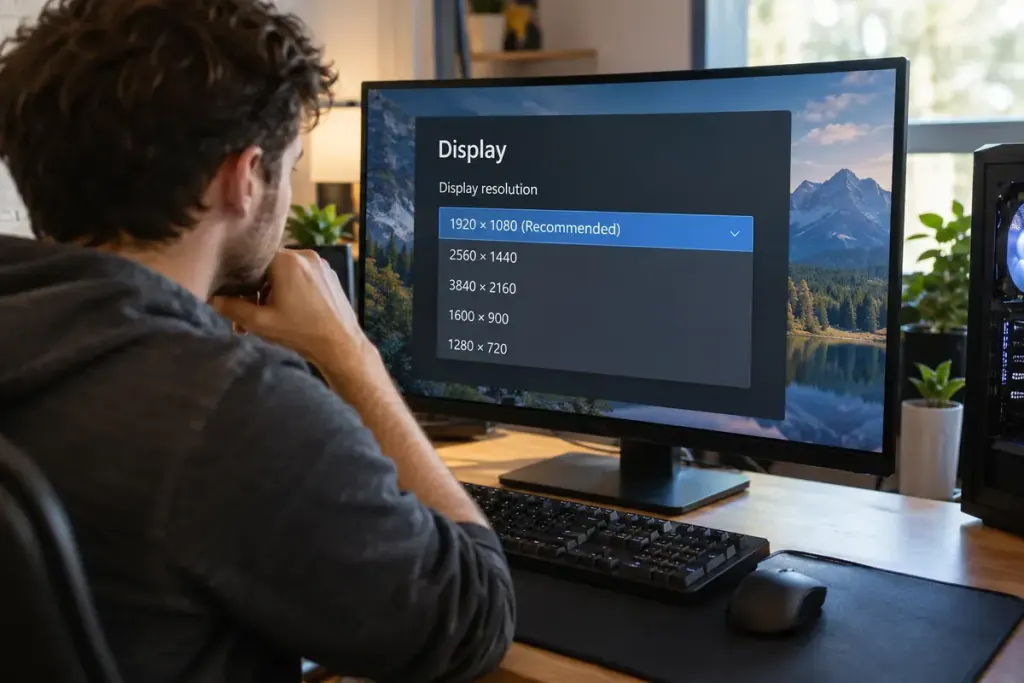
A game looks unexpectedly soft, so you turn texture quality up. Nothing improves. Before changing every graphics option, check whether the game and display are using the resolution you intended.
Microsoft’s display guidance recommends the marked resolution for ordinary Windows use and explains that lower-than-native resolutions can make text less sharp or alter how the image fills the screen. A game’s rendering settings add another layer to that display setup.
Check the correct screen first
If several displays are connected, identify the one running the game. Record its desktop resolution and refresh rate, then open the game’s display menu. Note fullscreen or windowed mode, output resolution and any render-scale or upscaling setting. The labels vary by game.
Do not confuse interface scale with render resolution. Making menus larger may improve readability without changing the resolution used to draw the world. Conversely, a lower internal render resolution can be reconstructed to the display’s output size by an upscaling system.
Compare one change in the same scene
Choose a repeatable location with fine edges, distant objects and some movement. Take a note of the original settings. Change one relevant option, apply it and compare both appearance and responsiveness. A still screenshot alone may not show what happens during motion.
If the game offers a built-in benchmark, use it as one reference rather than assuming it represents every area. Check the game’s official documentation when a setting’s meaning is unclear. Avoid copying a configuration intended for different hardware and treating its result as guaranteed.
Keep the combination that suits your display and performance needs. The sharpest setting is not always the most comfortable to play, and a single number does not describe the whole image. Recording the resolution first gives you a stable starting point for later changes to shadows, textures and effects.