
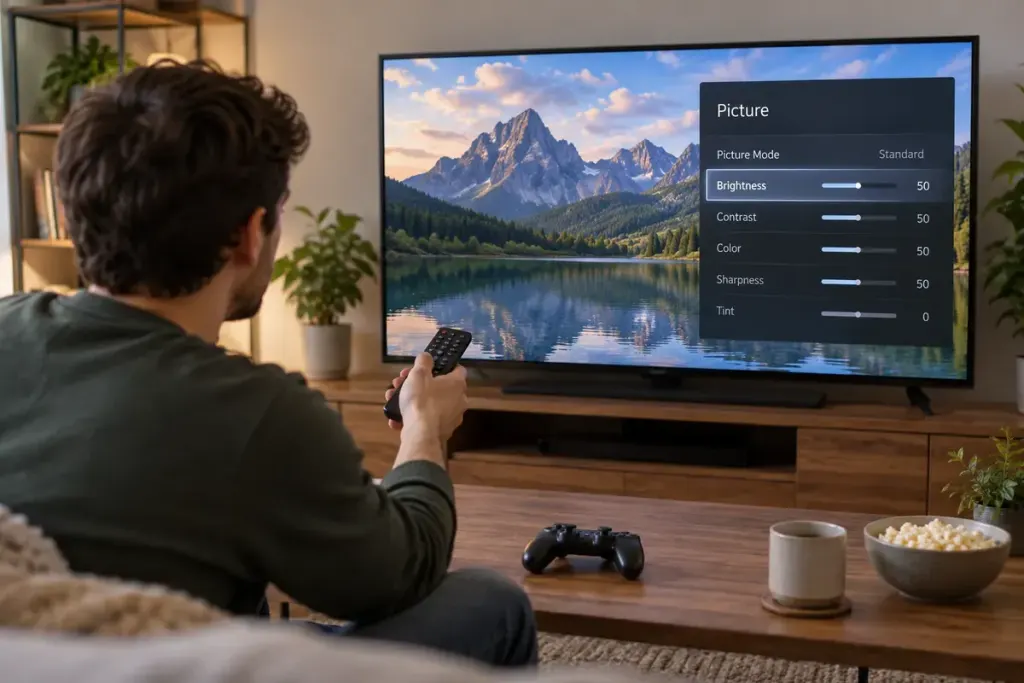
You enable HDR and the game looks flatter instead of richer. Turning brightness to the maximum is not a reliable diagnosis. HDR depends on a chain of compatible content, output settings and display behaviour.
Check the chain before the sliders
Confirm that the game supports the HDR mode you intend to use, that the console or computer is configured appropriately, and that the display’s chosen input supports it. Check the cable and any receiver or switch in between against the manufacturers’ requirements.
Menus differ by platform and model. For example, Sony’s PS5 HDR guide distinguishes supported HDR content from forced conversion and provides a separate adjustment menu. Use the official guide for your equipment rather than copying a stranger’s complete picture settings. The same numerical slider value can mean different things on different screens.
Calibrate under ordinary viewing conditions
Use the platform or game’s calibration instructions and the display’s suitable mode. Follow the on-screen pattern guidance instead of making every bright patch visible at once. Keep the room lighting reasonably close to the way you usually play.
For an original comparison, choose one familiar scene and record the settings you change. Adjust one relevant control, revisit the scene and compare. If you change the display mode, game brightness and several enhancement features simultaneously, you lose track of what helped.
Separate support from quality
A display accepting an HDR signal does not guarantee the same contrast or highlight performance as another display. Screen capability, room reflections and the game’s implementation all affect the result. HDR is not simply a synonym for a brighter image.
If a supported setup still looks wrong, check the manufacturer’s troubleshooting information and game updates. Return to a known configuration before making more changes. Avoid entering service menus or applying undocumented adjustments to solve an ordinary picture problem.
Keep a usable SDR setting too. If that provides a clearer and more comfortable image on your equipment, it remains a valid choice. The objective is a picture whose detail and readability suit the game, not an enabled badge at the expense of the experience.