
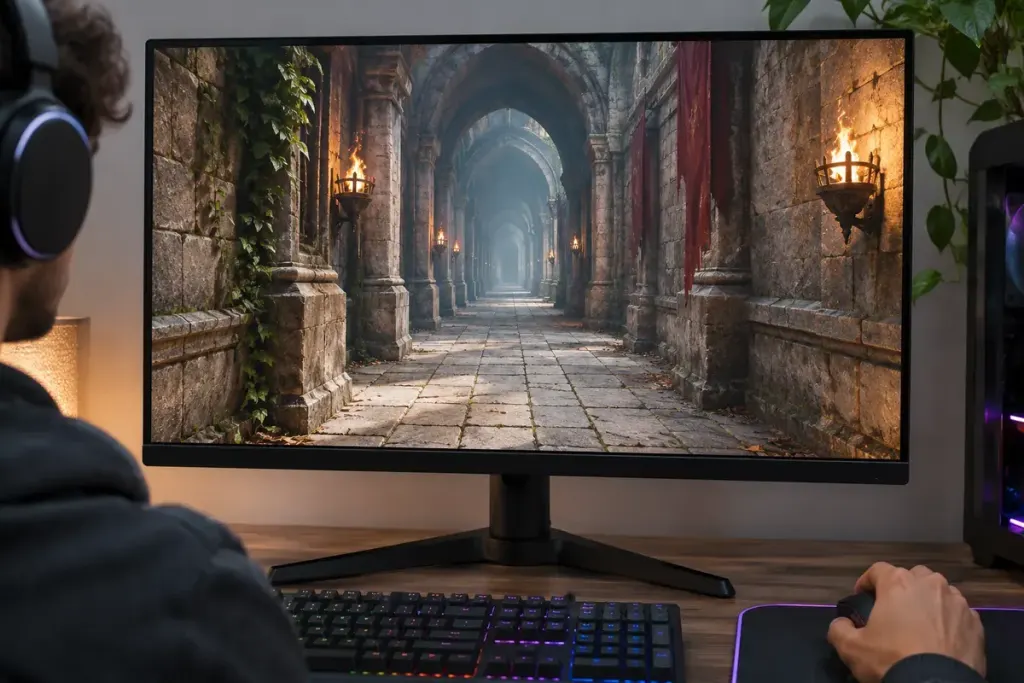
Walk slowly down a tiled corridor in a game and watch the floor ahead. A texture can change appearance as the renderer switches between versions suited to different viewing scales. Trilinear filtering helps soften that transition.
Microsoft’s mipmap explanation describes a sequence of progressively lower-resolution versions of a texture. The renderer can use these to represent a surface at different scales instead of always sampling the largest image.
There are two kinds of blending to distinguish
Bilinear filtering blends nearby texels within a texture level. Trilinear filtering also blends between two neighbouring mip levels. Microsoft’s filter documentation describes linear mip filtering as a weighted blend between the two levels nearest the calculated level of detail.
The extra blend addresses the transition between levels. It does not create missing detail in the original artwork, and it is not a general cure for every blurred surface or jagged edge.
Choose a scene that exposes the difference
For a useful comparison, find a repeatable view with a textured floor or wall receding into the distance. Keep resolution, camera position and other graphics options unchanged. Move slowly through the same short route after changing the filter setting.
Look for a band or boundary becoming less noticeable as the viewpoint moves. A still screenshot may show less than a short controlled comparison because the transition is a moving effect.
Record the game’s exact option names. Some menus combine texture-filtering choices or apply additional processing, so an option labelled “high” may not correspond to one isolated technique.
Compare the result you can see
If you also measure performance, use the same scene and a consistent measurement method. Do not assume a particular frame-rate cost from the name alone; hardware, engine and scene content matter.
Anisotropic filtering addresses a related but different sampling problem, especially at oblique viewing angles. Treat it as a separate comparison rather than assuming trilinear filtering replaces every other texture option.
Once you know what to look for, the setting becomes less mysterious: it smooths a handover between texture levels, making one particular kind of visual change less abrupt.