
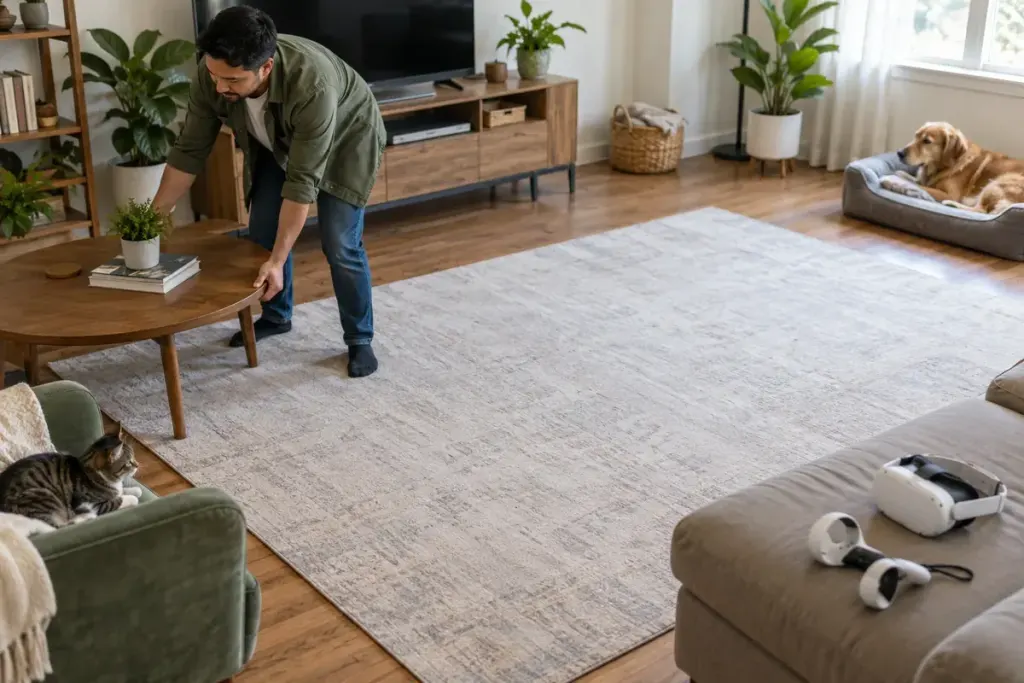
A VR game can make a small step feel like movement through a large world. The real room remains the same size. Before launching, check the play area while you can still see the furniture, floor, and people around you.
Meta’s boundary documentation describes a system that maps the play area and provides warnings as tracked equipment approaches its limits. A warning cannot remove an obstacle or guarantee that a person will notice it in time. Use the current safety and setup instructions for your particular headset.
Include movement above the floor
A clear patch of carpet is only part of the space. Consider the reach of your arms, nearby shelves, hanging lights, and objects that project from a desk. Remove trip hazards and keep the area away from stairs, windows, and other hazards identified by the manufacturer.
Choose a game mode that suits the available space. A seated experience and a room-scale experience make different demands. Do not draw a boundary through furniture simply to persuade the software that a larger area exists.
Before a first session, practise recognising the boundary warning in a calm setup rather than learning it during an intense game. Let other people in the home know the area is in use, and keep pets and children from unexpectedly entering it.
Recheck after moving furniture or changing rooms. A saved outline describes a previous arrangement; it does not prove the current room is clear. If tracking or boundary behaviour seems unreliable, stop and troubleshoot using the manufacturer’s guidance.
Keep a simple pre-game routine: clear the room, confirm the boundary, choose the right mode, and check your surroundings. Those few deliberate steps make the invisible edge of the virtual world less likely to be confused with the physical edge of a safe play space.