
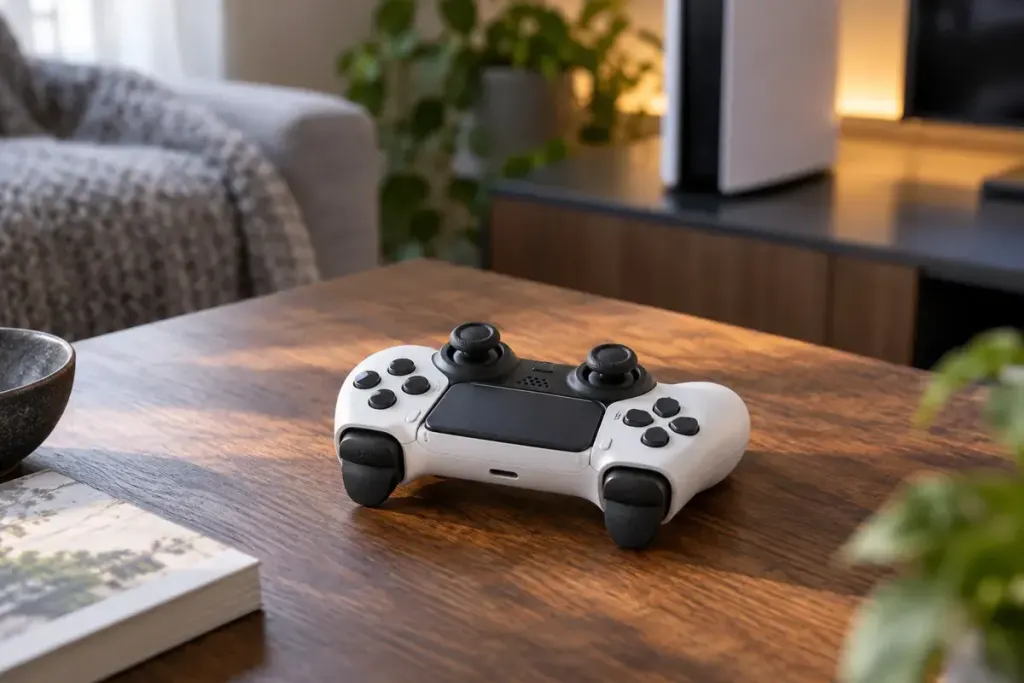
A controller can rumble in your hands and also change how a trigger feels when you press it. Turning down one effect may leave the other unchanged. If a game feels uncomfortable or distracting, first identify which sensation you want to adjust.
PlayStation’s general controller settings guide lists Vibration Intensity and Trigger Effect Intensity separately for supported controllers. Other devices and games use different options, so do not assume that a setting called “feedback” controls every effect.
Repeat a small part of the game
Choose a safe, repeatable section such as a practice area. Note the current settings, change one option and repeat the same action. A different weapon or vehicle can produce a different effect, which makes an uncontrolled comparison harder to interpret.
Try reducing or disabling the relevant effect if the game and hardware allow it. The useful question is whether the control feels manageable and provides information you want, not whether you have selected the most intense setting.
Check both system and game menus
A console-level preference may coexist with an in-game option or a controller profile. Read what each setting affects and make a note of where you changed it. If you switch profiles later, an apparently returning effect may simply belong to the other configuration.
Feedback can also communicate something useful, such as an action or environmental cue. When turning it off, check whether equivalent visual or audio information is available. This is particularly relevant when a cue is easy to miss on a busy screen.
Stop playing if the controls cause pain or unusual discomfort rather than trying to adapt through a long session. For a shared controller, keep a short record of preferred settings so another player can restore theirs. A comfortable setup is a practical choice about the person, device and game together; it does not need to prove that a player is more skilled or more authentic.